Other Projects
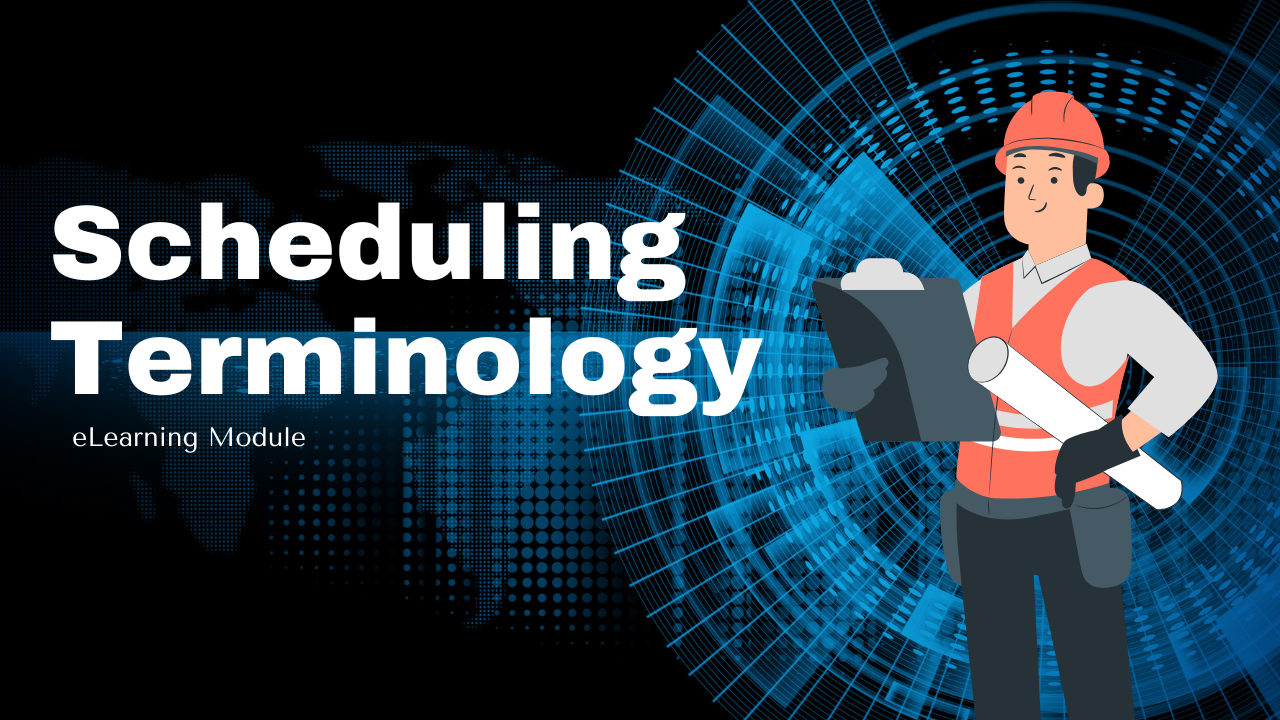

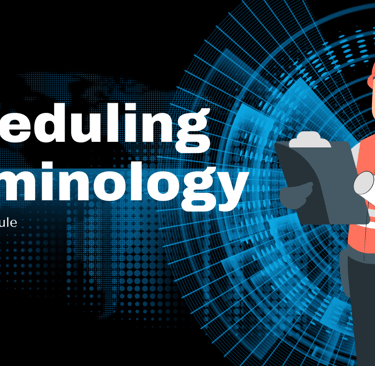
Scheduling Terminology Training & Assessment eLearning Module
Business Context: Operations teams were experiencing inefficiencies and communication breakdowns due to inconsistent understanding of core scheduling terminology. Terms were being used differently across teams, leading to confusion in workforce planning, performance discussions, and reporting.Leadership needed a standardized learning solution to align language, reduce errors, and improve cross-team communication.
Learner Insight: Frontline employees and supervisors were expected to interpret scheduling data and apply it in real time, but many had learned terminology informally or through peer explanation. This created knowledge gaps and inconsistent application. Adult learners benefit from clear definitions paired with practical examples that mirror real workplace usage.
Design Strategy: I designed a focused, microlearning-based eLearning module that clarified key scheduling terms using:
Plain language definitions
Real-world examples
Visual representations of scheduling data
Applied knowledge checks
Rather than presenting terminology as abstract definitions, the course situates each term within actual operational scenarios to reinforce context and application. The goal was not memorization. It was operational fluency.
Execution: Built in Articulate Rise, the module uses short, digestible sections that combine interactive elements, real scheduling screenshots, and applied practice questions. Knowledge checks reinforce correct interpretation and allow learners to test their understanding before applying the concepts on the job. The structure supports just-in-time reference, allowing teams to revisit content when needed.
Impact: This training created a shared language across operations teams, reducing confusion in scheduling discussions and improving alignment between frontline employees and leadership.
By standardizing terminology and reinforcing application, the module supported clearer communication, more accurate reporting, and improved operational efficiency.
Articulate Storyline

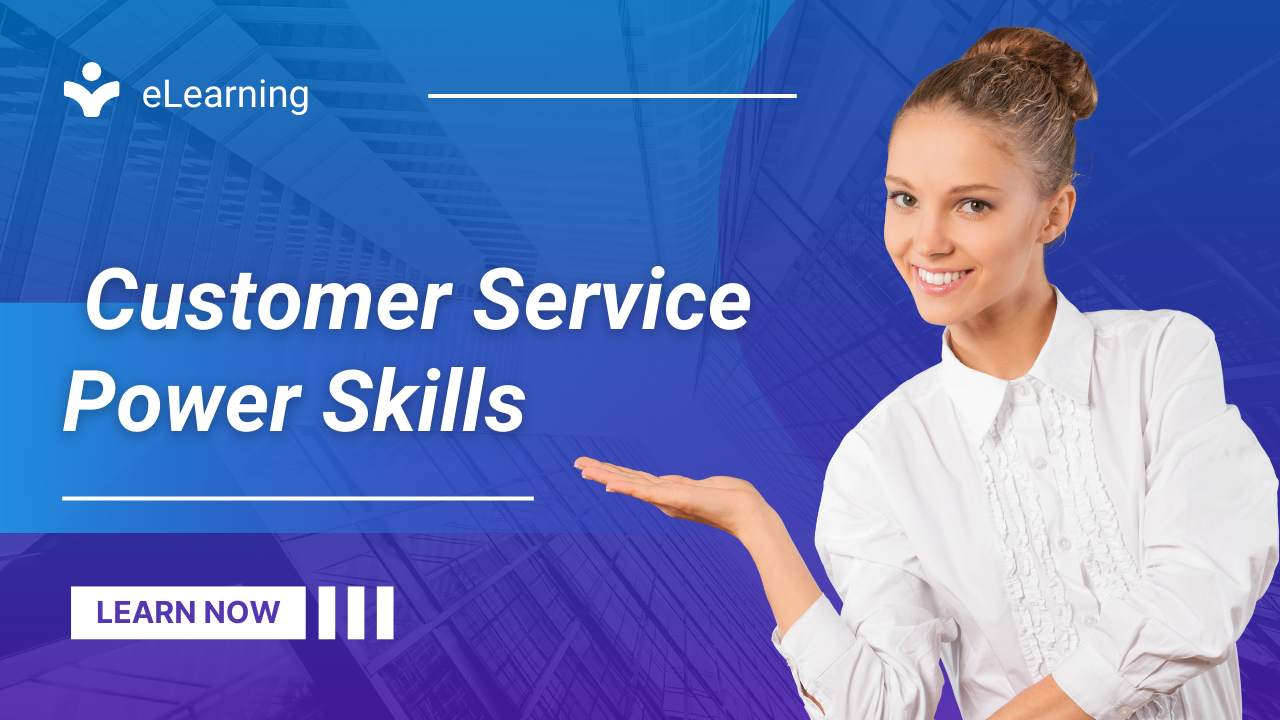
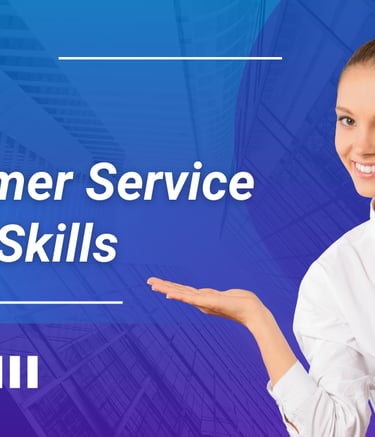
Power Skills: Customer Service Training
I designed this training program to strengthen essential customer service skills and elevate the overall customer experience.
The course focused on building “Power Skills” — the ability to consistently deliver empathetic, personalized solutions rooted in a clear understanding of customer needs. Through scenario-based activities and guided practice, learners developed confidence in applying these skills during real interactions.
Impact: By emphasizing empathy and personalization, this program helped service agents create stronger customer connections, resolve issues more effectively, and contribute to higher satisfaction scores.


Leadership Essentials: eLearning Module
I designed this eLearning module to highlight the critical role of leadership in driving team performance.
The course emphasized that effective leaders achieve results not by completing tasks themselves, but by cultivating trust, inspiring confidence, and influencing others. Learners explored how credibility, reputation, and character form the foundation of trust-based leadership through interactive scenarios and reflective activities.
Impact: By helping leaders understand and apply trust-building strategies, this module strengthened leadership skills, improved team cohesion, and fostered a culture of accountability and high performance.
Video
Delivery Choice Scenarios
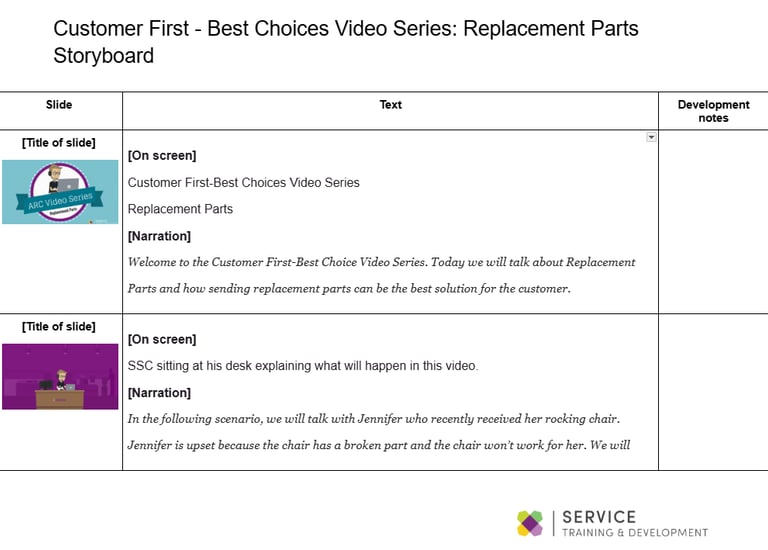
Leveraging Vyond, I developed animated scenarios illustrating the option for customers to have items delivered to a room of their choice. The module demonstrates how to communicate these options clearly and empathetically, helping staff guide customers through delivery choices effectively.
Impact: By visualizing real-world scenarios, learners gained confidence in explaining delivery options, enhancing customer satisfaction and consistency in service interactions.

Understanding Depreciation
I designed and developed this video module to explain the concept of depreciation in a way that’s engaging and relevant for Rent-A-Center employees. Presented as a panel interview, the video breaks down two key methods—Income Forecast depreciation and Straight-Line depreciation—using animations, real product examples, and step-by-step calculations.
The content connects financial concepts directly to store performance, showing how decisions like refurbishment, overrides, and idle inventory management impact profitability. By highlighting practical actions—such as monitoring idle inventory and keeping merchandise rent-ready—the video empowers store teams to better manage depreciation as a controllable expense.
Impact: This training demystifies a complex financial concept, giving employees the knowledge and tools to make smarter decisions that improve both customer satisfaction and store profitability.

Words That Work
Using Vyond, I developed this module to help learners navigate online retail delivery scenarios by identifying and applying effective communication strategies. Through engaging animated scenarios, learners explored how word choice impacts customer interactions and outcomes, building skills to respond clearly, empathetically, and professionally in real-world situations.
Impact: The module provided a consistent, interactive way for staff to practice customer communication, improving clarity, customer satisfaction, and confidence in handling delivery-related inquiries.

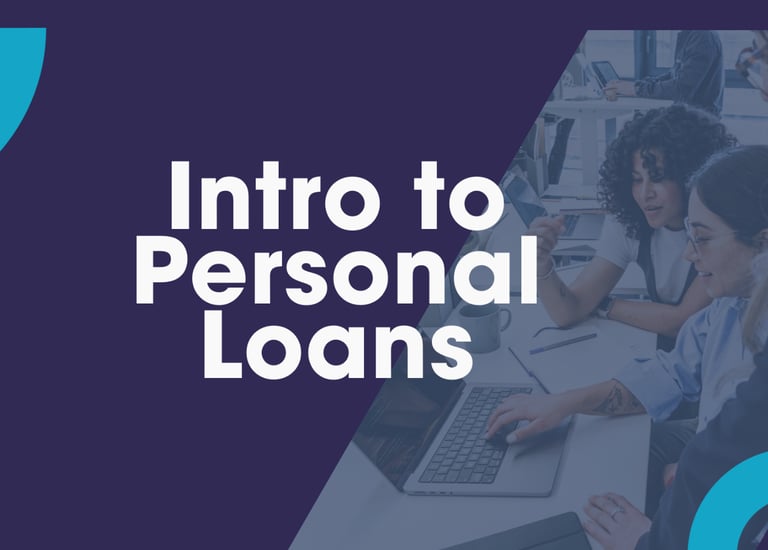
Scenario Context: As part of the interview process, I was asked to design a training solution for customer-facing teams supporting SoFi’s personal loan products. The goal was to demonstrate how I would approach product training for frontline employees responsible for live member interactions.
The scenario required translating financial product details into a structured, scalable learning experience.
Learner Considerations: Frontline representatives must communicate financial product information clearly, accurately, and confidently in real time. Inconsistent understanding of terms such as interest rates, repayment terms, and eligibility criteria can directly impact customer trust and regulatory compliance.
The training design needed to build both product fluency and conversational confidence.
Design Strategy: I developed a facilitator-led training concept supported by a structured presentation and detailed facilitator guide.
The strategy emphasized:
Clear, plain-language explanations of financial concepts
Interactive scenarios reflecting real customer inquiries
Role-play exercises to practice live responses
Applied knowledge checks to reinforce retention
Structured facilitator guidance to ensure delivery consistency
The focus was on building applied understanding rather than passive product awareness.
Deliverables:
Presentation deck aligned to learning objectives
Facilitator guide with timing, discussion prompts, and engagement cues
Scenario-based exercises and role-play activities
Rapid-fire knowledge check to validate comprehension
The materials were designed to be scalable, adaptable, and compliant with financial services communication standards.
What This Demonstrates: This project reflects my approach to:
Translating complex financial content into practical training
Designing for application in live customer environments
Structuring facilitator-led experiences for consistency
Aligning learning solutions to operational and compliance needs
SoFi Personal Loans Training Concept
(Developed as part of a final-round interview exercise)
NA WIMS 2.0 WalkMe Feature
I designed a WalkMe Smart Walk-Thru feature for “WIMS 2.0” to guide users through shipping, tracking, and resolution wizards. The storyboard walks users step-by-step: selecting affected items, confirming shipping address, viewing tracking info, diagnosing issues, and selecting the correct resolution—all via in-app prompts and tips.
Impact: This guided, contextual support helps reduce user confusion and error, empowers users to self-serve, and ensures consistent adherence to resolution policies.